

Add MT Commercial to your phone
One tap from your home screen. It's our full website, opening full-screen like an app — nothing to download from a store.
On your iPhone or iPad
- Tap the Share button ↑ at the bottom of Safari.
- Scroll down and tap Add to Home Screen.
- Tap Add. The MT icon appears on your home screen.
Must be opened in Safari — Chrome on iPhone can't add to the home screen.
On your Android phone
- Tap the ⋮ menu (top-right in Chrome).
- Tap Install app (or Add to Home screen).
- Confirm. The MT icon appears on your home screen.
Open this on your phone
Scan this code with your phone's camera, then follow the on-screen steps.
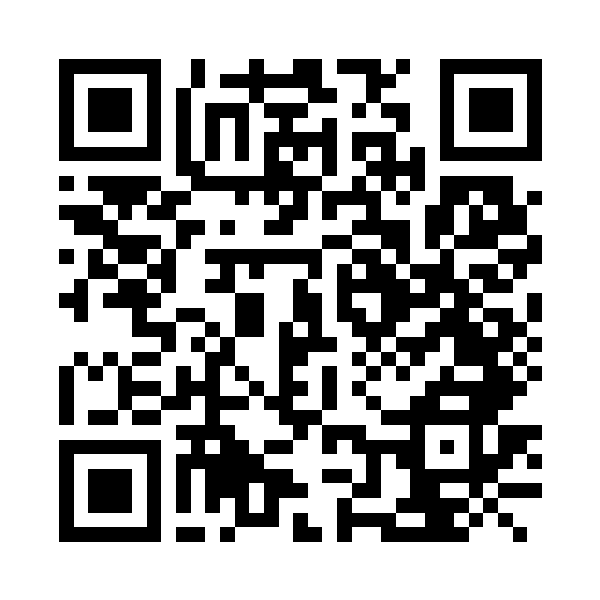
Or visit mtcommercialpropertyservices.com/install on your phone.
You're already using the installed app. You're all set.